Using Scheduling Links
Last updated: March 26, 2026
Scheduling links let others book time with you directly, without back-and-forth emails or coordination.
They’re ideal for simple meetings where availability is straightforward, and no additional scheduling logic is needed.
What are Scheduling Links?
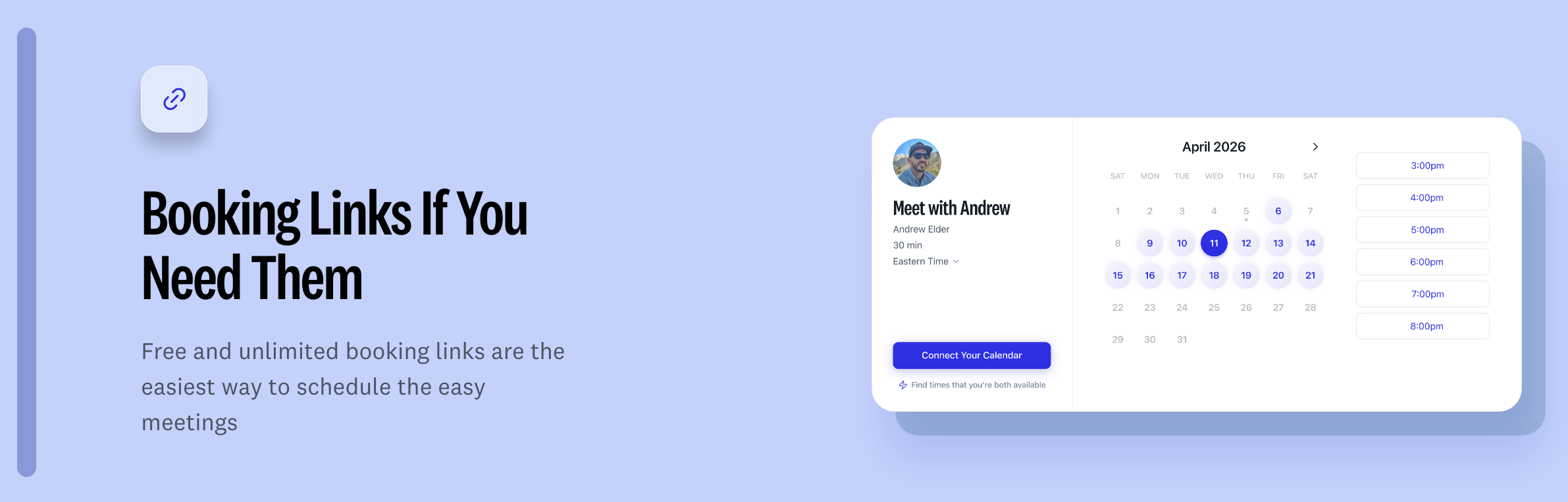
Scheduling links are shareable links that let someone choose a time from your availability and instantly book a meeting with you.
Once a time is selected:
The meeting is automatically scheduled
Your calendar is updated
A calendar invite is sent to all participants
How to Use Scheduling Links
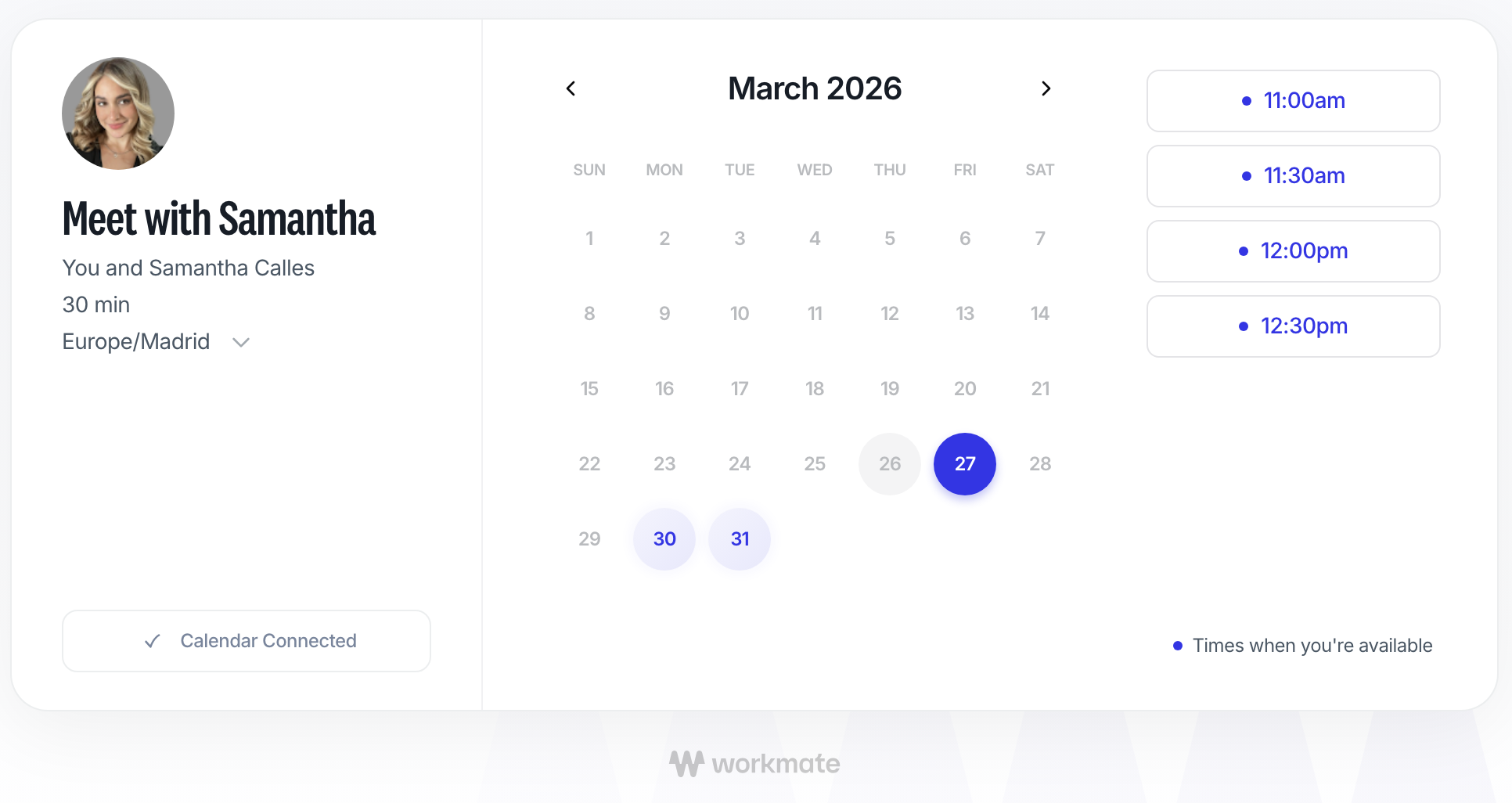
Create or select your scheduling link. You can create a scheduling link from the Links section in the left sidebar of Workmate.
Share the link with the person you’d like to meet with
They choose a time that works for them
Workmate schedules the meeting automatically
What Happens After Someone Books
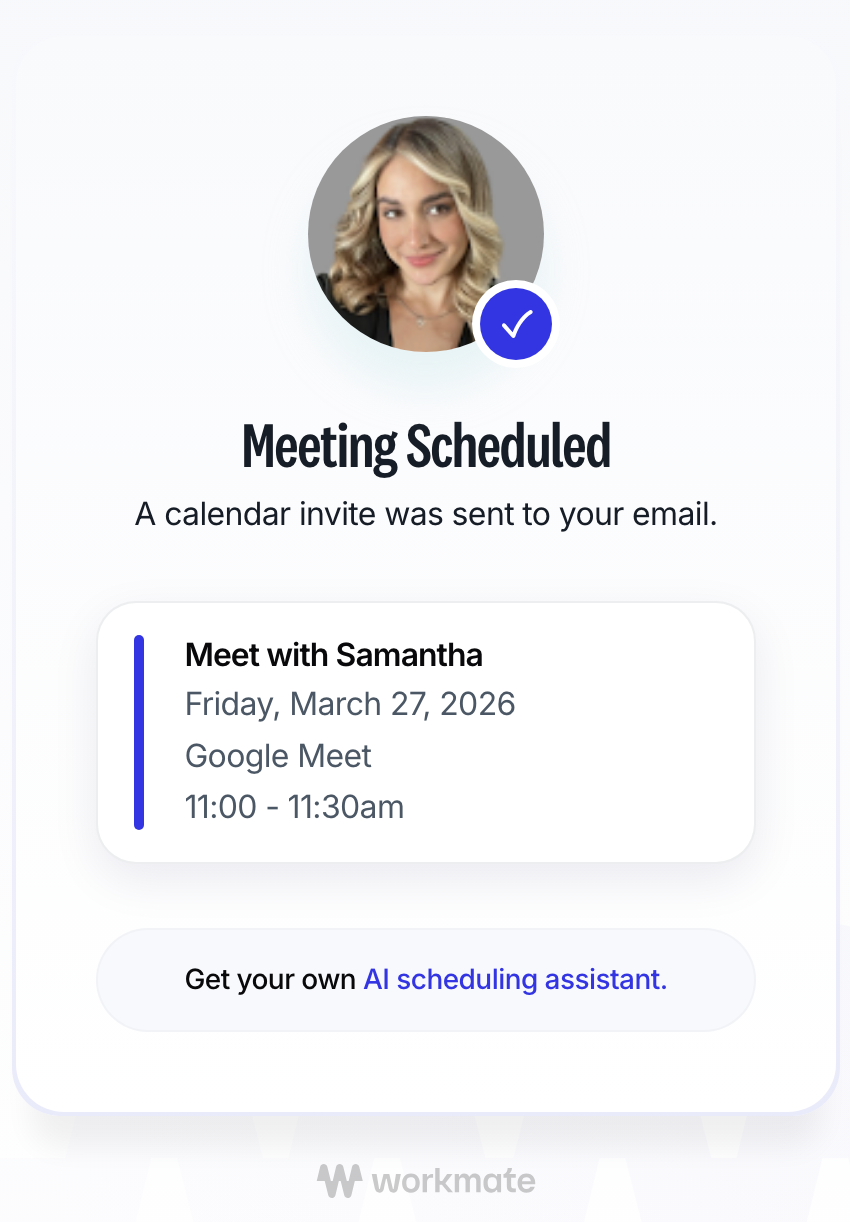
Once a time is selected:
The event is created on your calendar
The selected time is blocked
A calendar invitation is sent to all participants
No manual follow-up is needed.
How to Cancel or Reschedule a Meeting
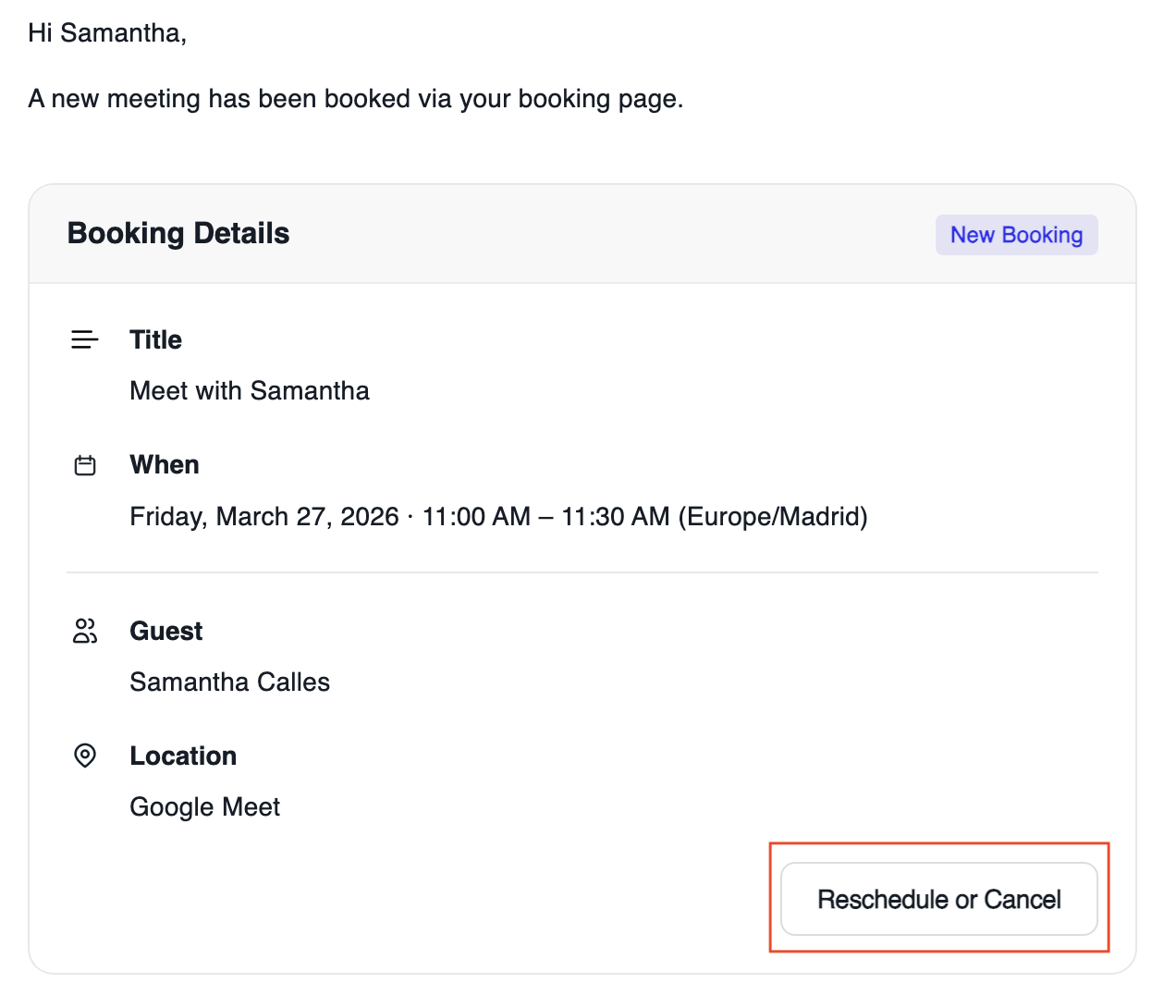
When someone books a meeting using your scheduling link, you will receive a confirmation email.
From that email, you can:
Cancel the meeting
Reschedule the meeting
You can also make changes directly from your calendar if needed, or ask your workmate assistant.
Best Practices
Use scheduling links for quick and simple scheduling
Share links when availability is flexible and straightforward
Keep meetings short and clearly defined when using links