Choosing Between Scheduling Links and Coordination
Last updated: March 26, 2026
Workmate offers two ways to schedule meetings: Scheduling Links and Coordination through the assistant.
Choosing the right method depends on the complexity of the meeting.
Use Scheduling Links When
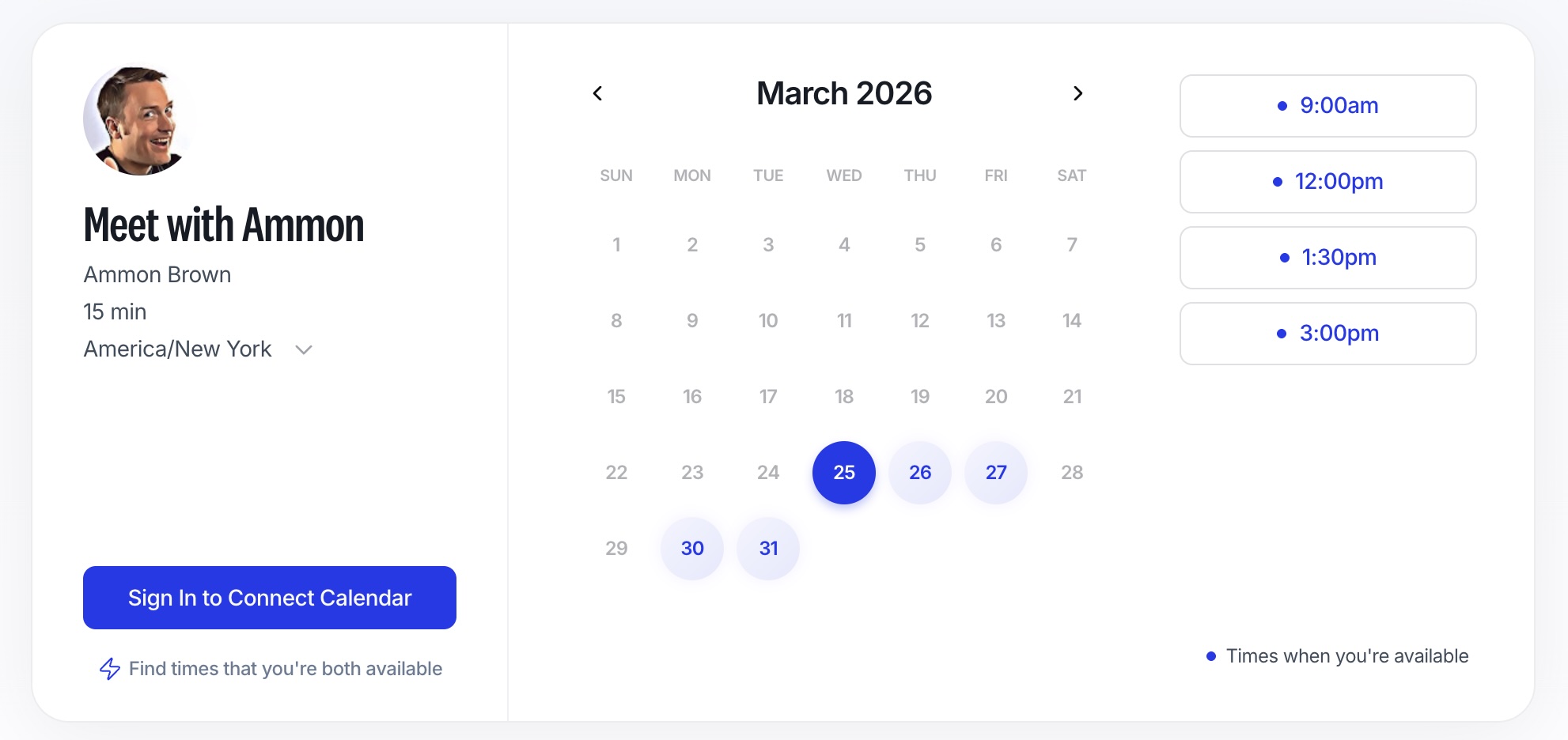
Scheduling links are best for quick, straightforward meetings that don’t require coordination.
Best for:
One-on-one meetings
Intro calls or quick check-ins
Flexible availability
Situations where the other person can choose any available time
Use Coordination When
Use Workmate coordination when scheduling involves more complexity or multiple people.
Best for:
Meetings with multiple participants
Scheduling across different calendars
Meetings with constraints (availability rules, priorities, preferences)
When back-and-forth coordination is needed
When scheduling on behalf of others

Key Differences
Scheduling Links Coordination
Self-serve booking | The assistant handles scheduling |
No back-and-forth | Email-based coordination |
Best for simple meetings | Best for complex meetings |
One or a few participants | Multiple participants |
Minimal constraints | Handles preferences and priorities |
Best Practice
Many teams use both:
Use scheduling links for quick, external meetings
Use coordination for internal, strategic, or multi-person meetings