Mentioning Teammates by Name
Last updated: March 16, 2026
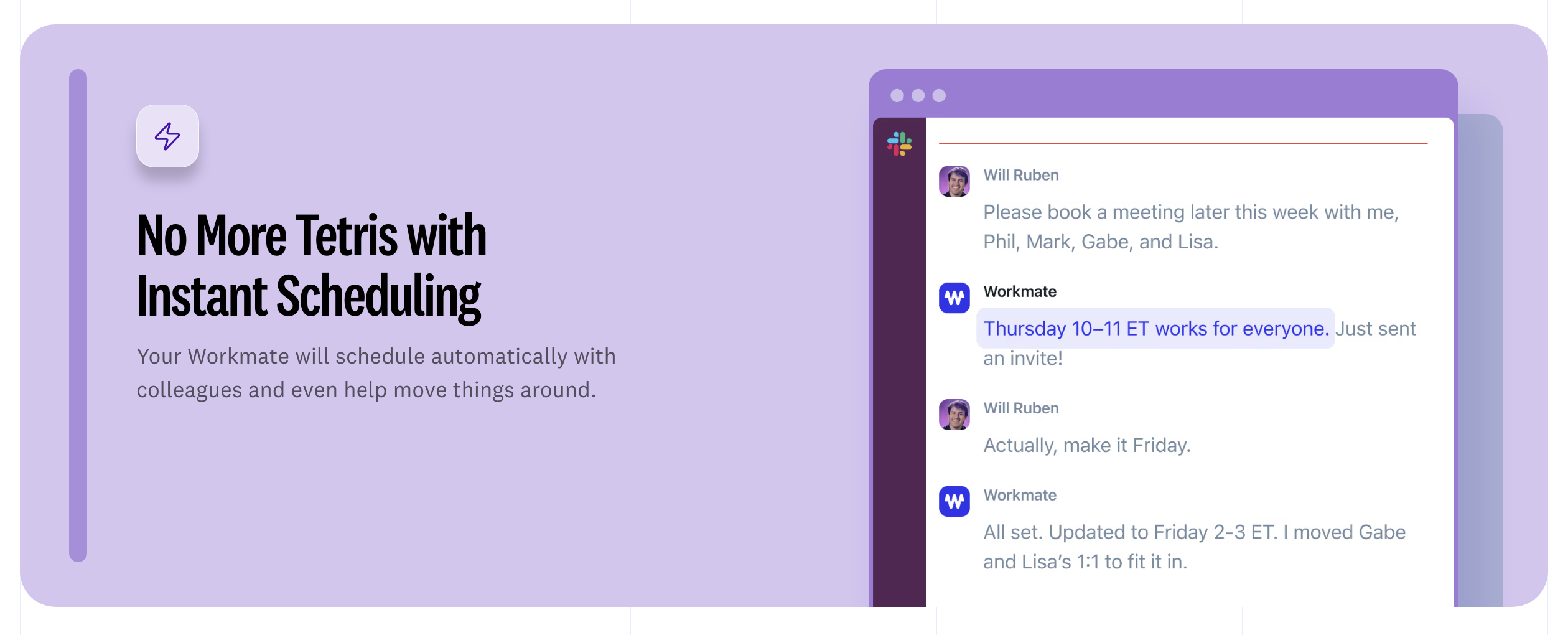
When you and your colleagues are part of the same Workmate workspace, your assistant can recognize them by name in scheduling conversations.
This means you don’t need to CC them or include their email address when referring to them. Instead, you can simply mention them naturally in the conversation.
For example, you could write:
“Can you find time for me and David next week?”
Workmate will recognize that David is part of your team and include them when coordinating the meeting.
How It Works
Workmate automatically learns who your teammates are through your workspace team list.
When you mention someone by name in an email or message, your assistant will:
Identify the teammate you are referring to
Include them in the scheduling process
Check their availability if calendar access is available
Coordinate the meeting with all participants
This allows you to write scheduling requests naturally, without needing to manually add every participant.
When This Is Most Useful
Mentioning teammates by name is especially helpful when scheduling with:
Colleagues you meet with frequently
Internal teams
Assistants managing multiple executives
Recurring collaborators
Instead of rewriting email lists or adding people manually, you can simply refer to teammates as you normally would.
What Happens if the Name Is Unclear
If Workmate is unsure which person you are referring to, it will ask for clarification before taking action.
For example, if there are multiple people with the same name or if the name isn’t recognized, your assistant may ask something like:
“Did you mean David Chen or David Morales?”
This ensures meetings are always scheduled with the correct participants.
Important Note
This feature works only with teammates who are part of your Workmate workspace.
If the person you mention is not part of your team, you will still need to include them in the email thread so Workmate can coordinate with them.