Setting Up Your Profile
Last updated: March 12, 2026
Your About Me profile helps Workmate represent you correctly when communicating with others and coordinating meetings on your behalf.
This information allows your assistant to reference you properly in emails, recognize messages sent from your different accounts, and automatically include useful details such as locations when scheduling meetings.
To configure this section, navigate to Assistant and scroll to About Me under Instructions for your assistant.
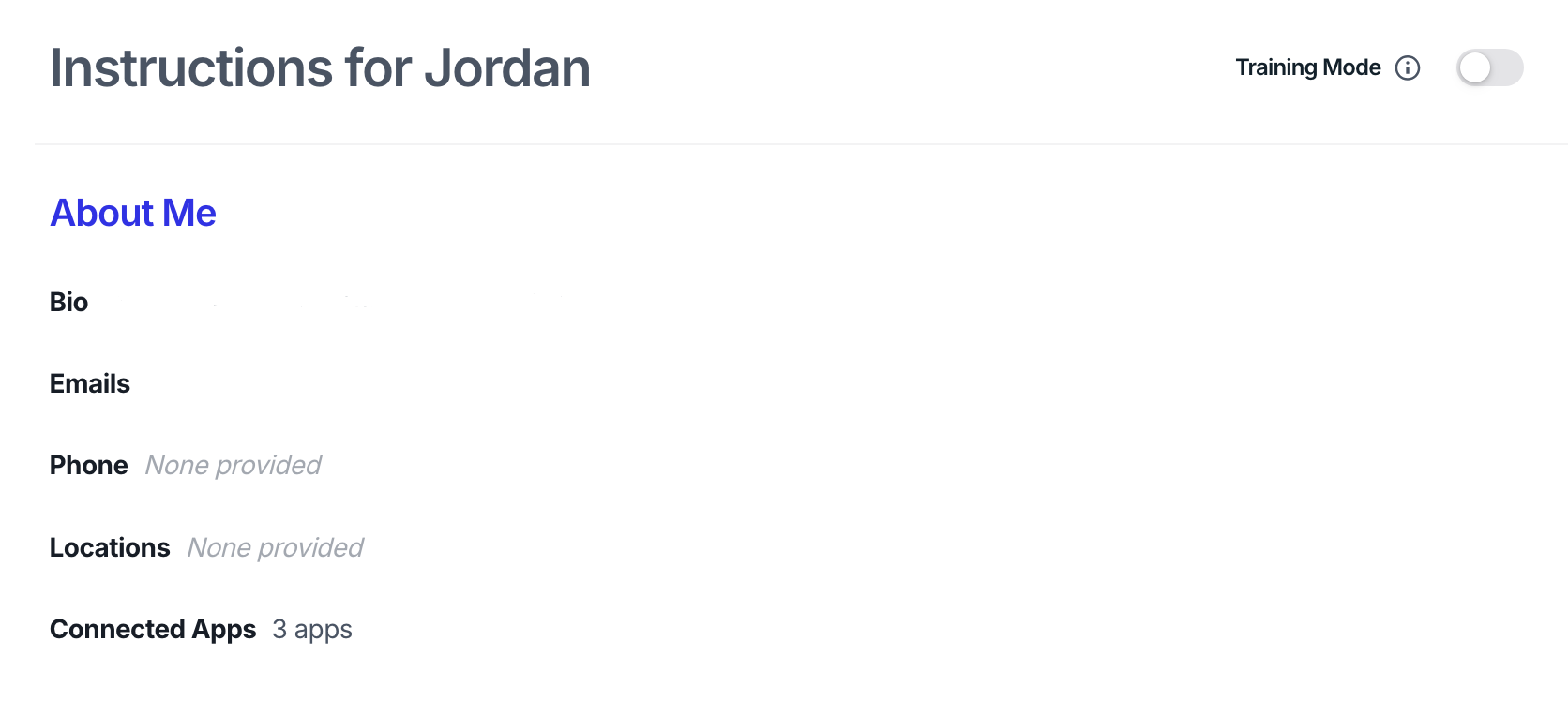
Bio
Your Bio defines how Workmate refers to you in conversations and emails.
Here you can specify:
Preferred name
Pronouns
Your Role
This ensures your assistant addresses you correctly when referencing you in scheduling emails or messages.
Emails (Aliases)
The Emails field allows you to add multiple email addresses associated with you.
These act as email aliases, allowing Workmate to recognize scheduling conversations sent from any of your email accounts.
This is useful if you:
Use both work and personal email
Have multiple company aliases
Forward emails between accounts
Once added, Workmate will recognize you regardless of which email address the conversation came from.
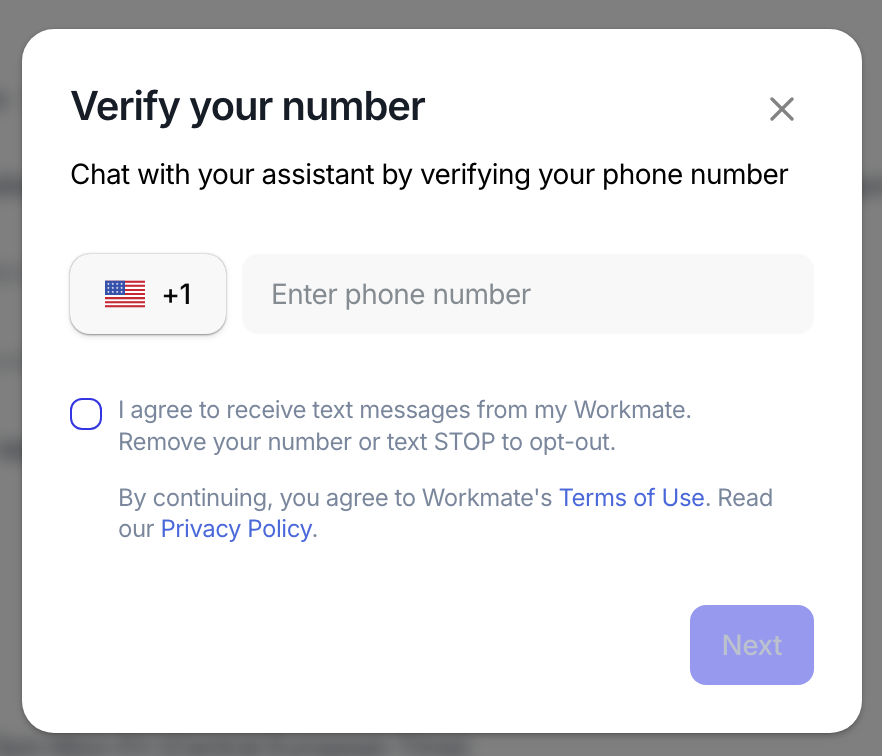
Phone Number
Adding your phone number allows you to use Workmate via SMS.
Once connected, you can:
Ask your assistant to schedule meetings by text
Reply to scheduling updates directly via SMS
Coordinate meetings without needing email or Slack
This option is optional, but helpful if you often coordinate meetings on mobile.
Locations
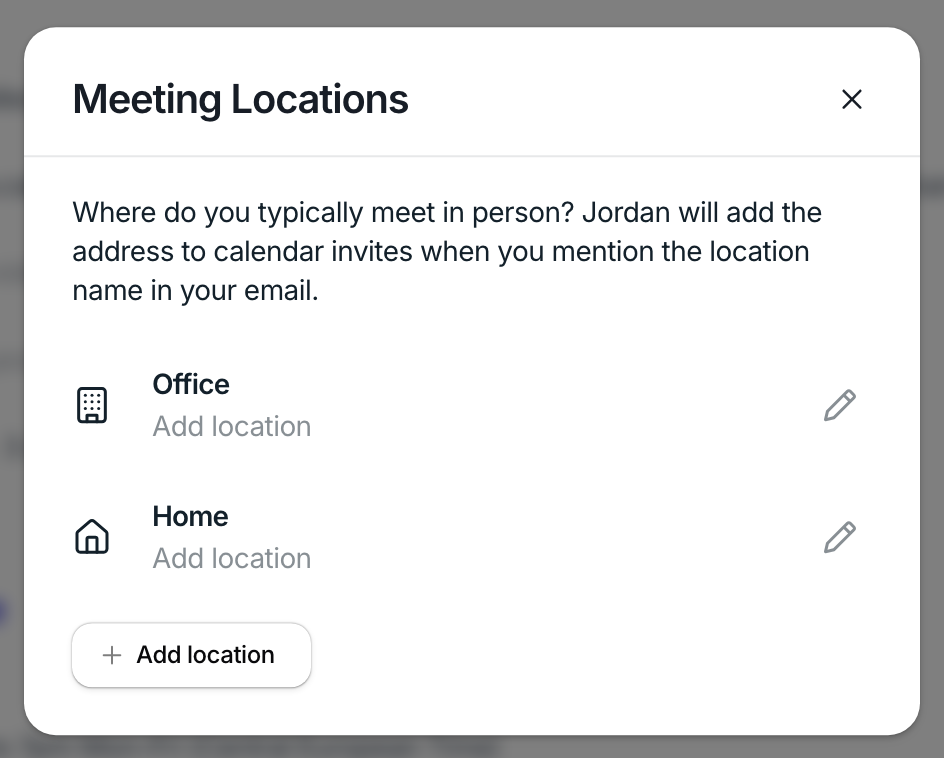
The Locations field lets you save places where meetings commonly happen.
These can include:
Your office
Company meeting rooms
A preferred café
Any other recurring meeting location
When you mention one of these locations in a conversation, Workmate will automatically include the correct address when creating the calendar invite.
Ex: If you say “Let’s meet at the office”, Workmate will automatically insert the saved office address.
Connected Apps
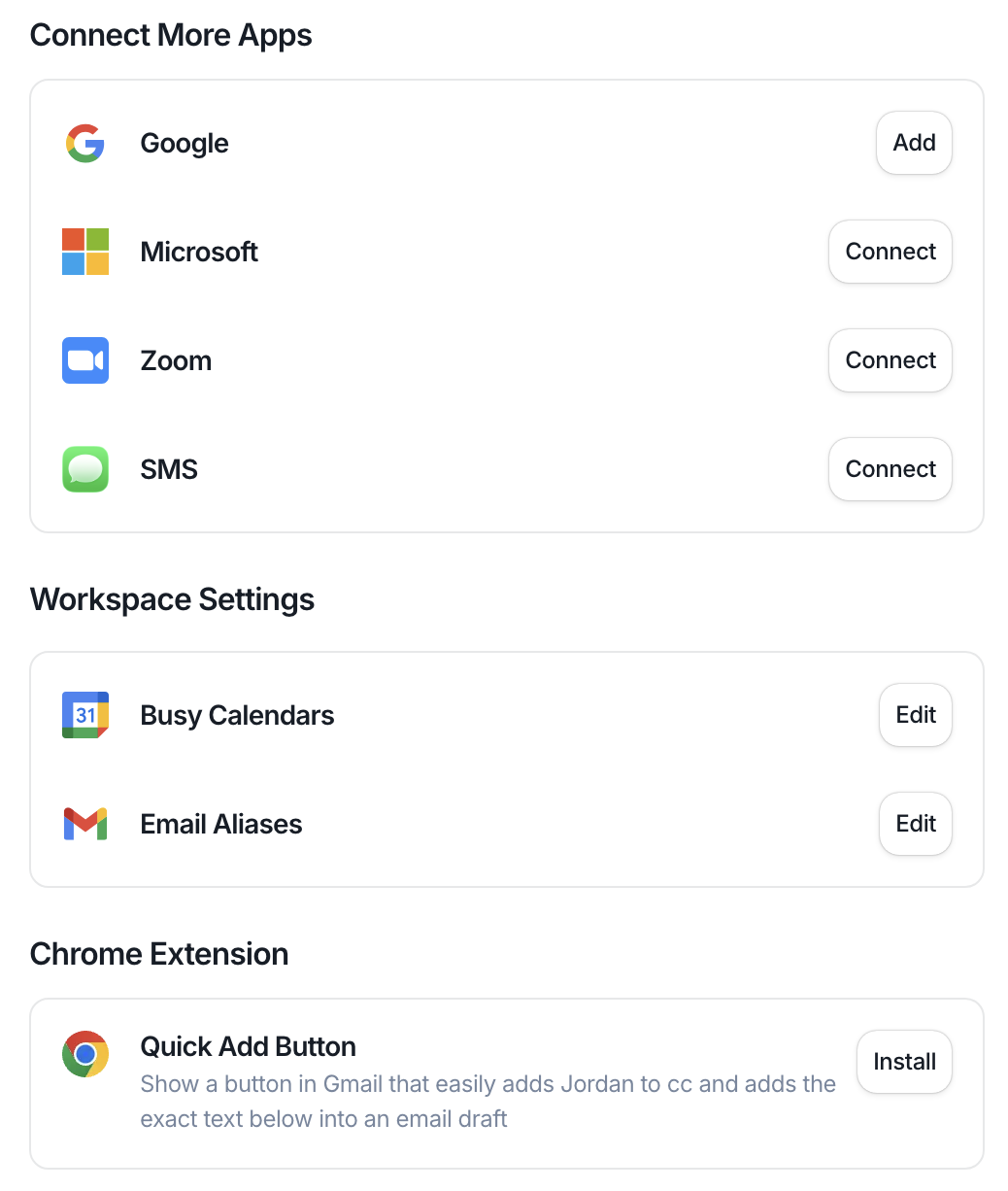
From the Connected Apps section, you can manage the tools Workmate uses to communicate and coordinate meetings.
Here you can connect services such as:
Google
Microsoft
Zoom
Slack
SMS
These integrations allow Workmate to read scheduling conversations, create meeting links, and check your availability.
Why This Section Matters
Your About Me settings help Workmate behave more like a real assistant by understanding:
who you are
how people contact you
where meetings take place
which tools you use to communicate
Once configured, this information is automatically used whenever Workmate drafts emails or sends calendar invitations on your behalf.