Last updated: April 7, 2026
You can connect your Google account to Workmate to enable calendar access and scheduling.
Connect Google Account
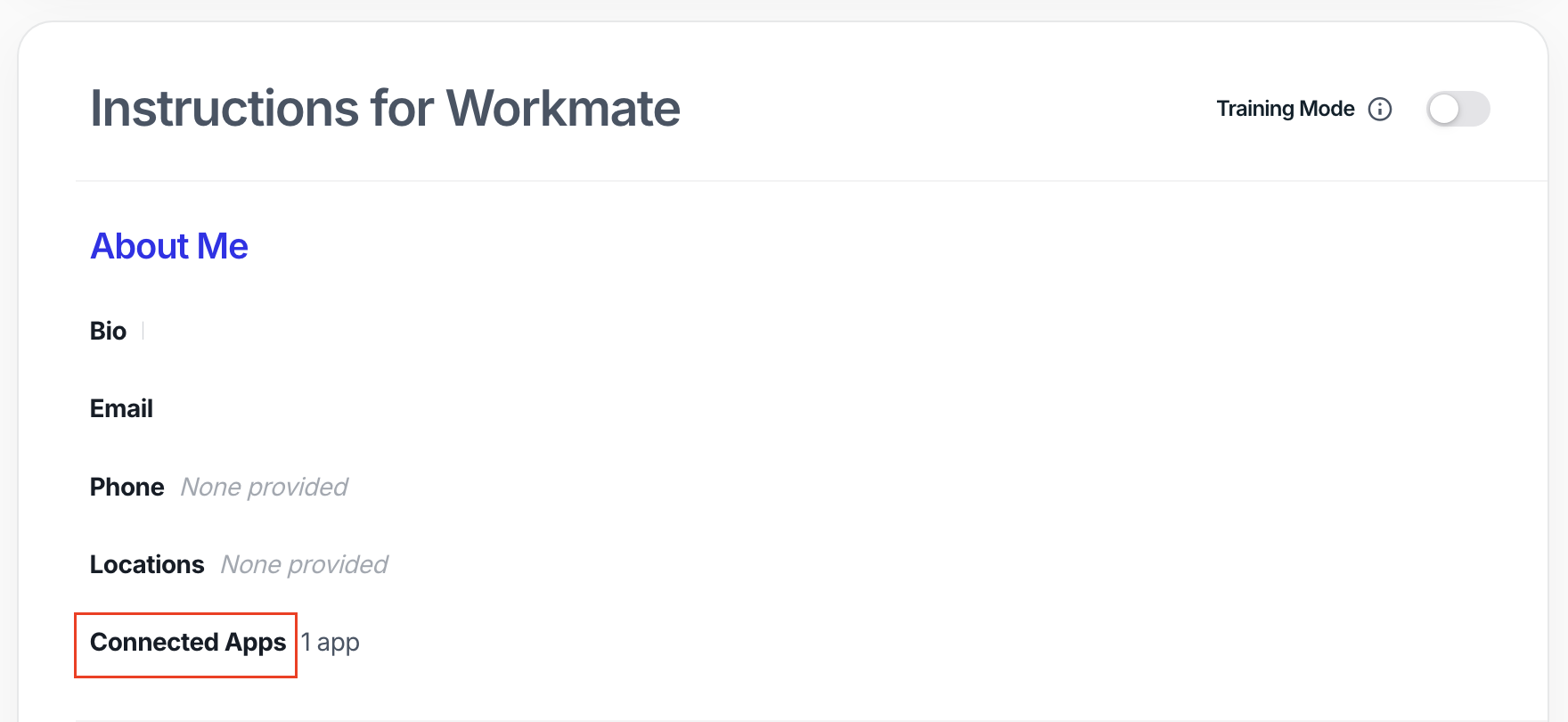
From your main Workmate page, go to “Connected Apps.”
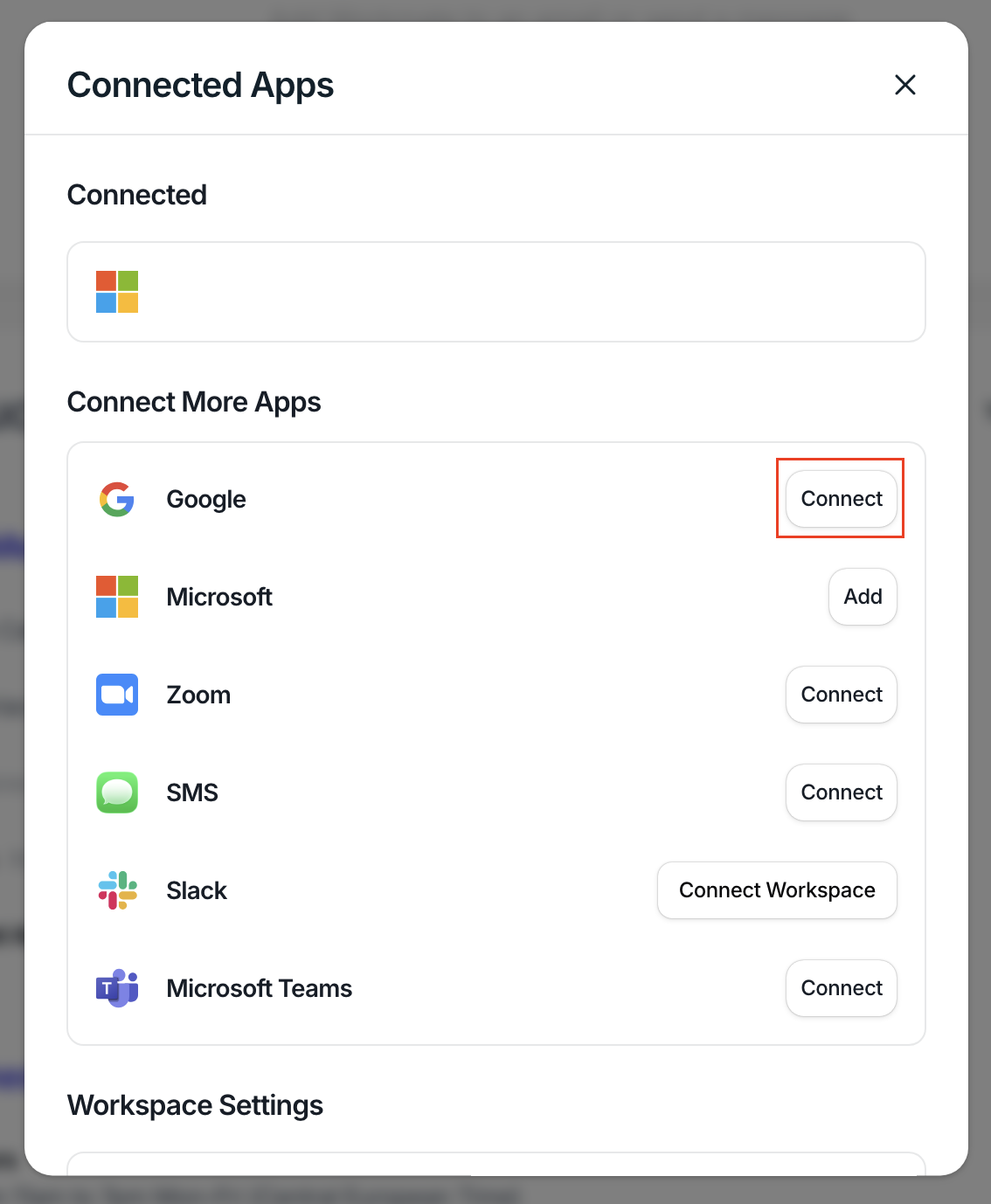
In the Connected Apps modal, find Google and click “Connect.”
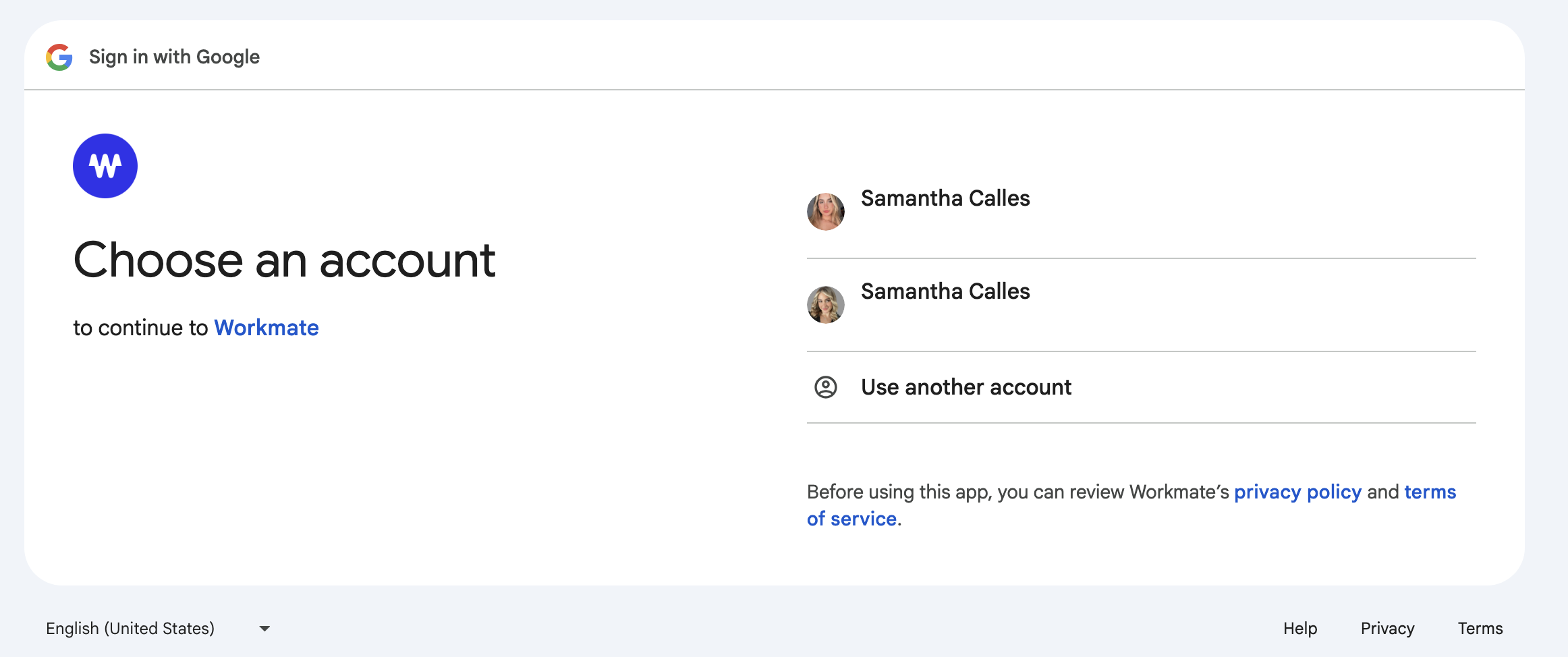
You’ll be redirected to Google. Select the account you’d like to connect.
Complete the sign-in flow to connect your account.
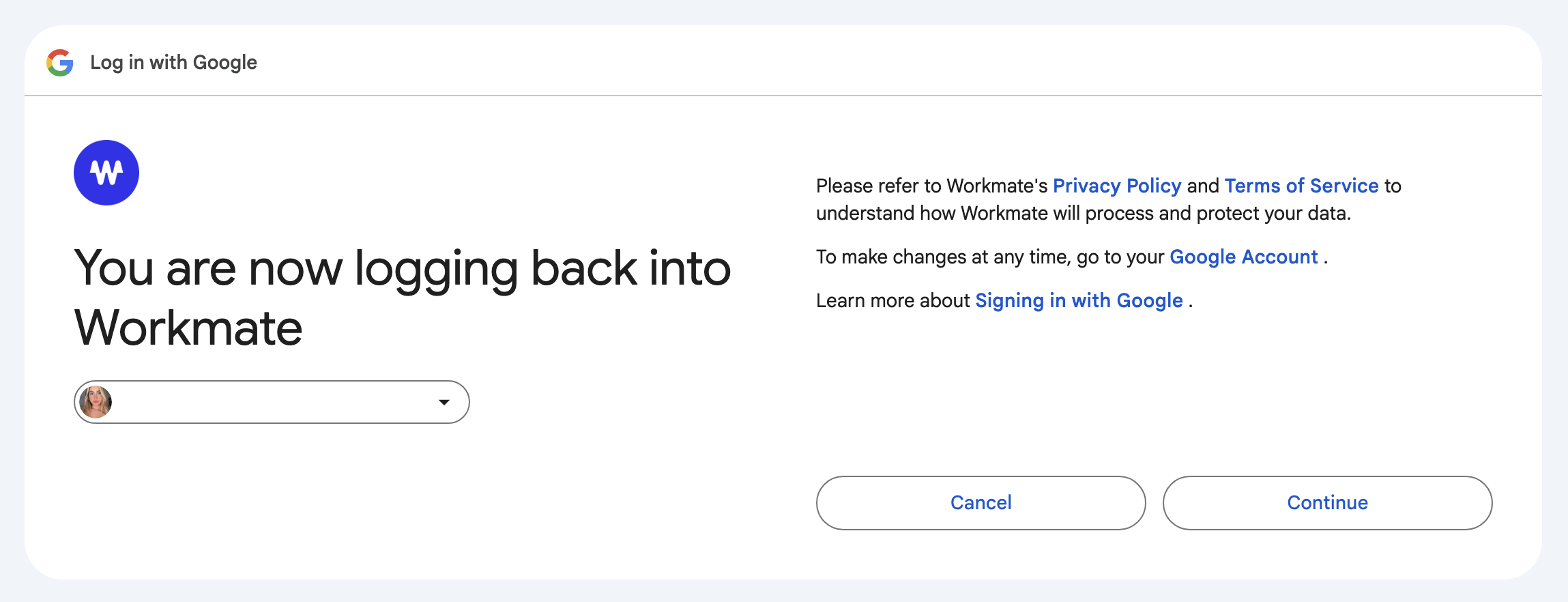
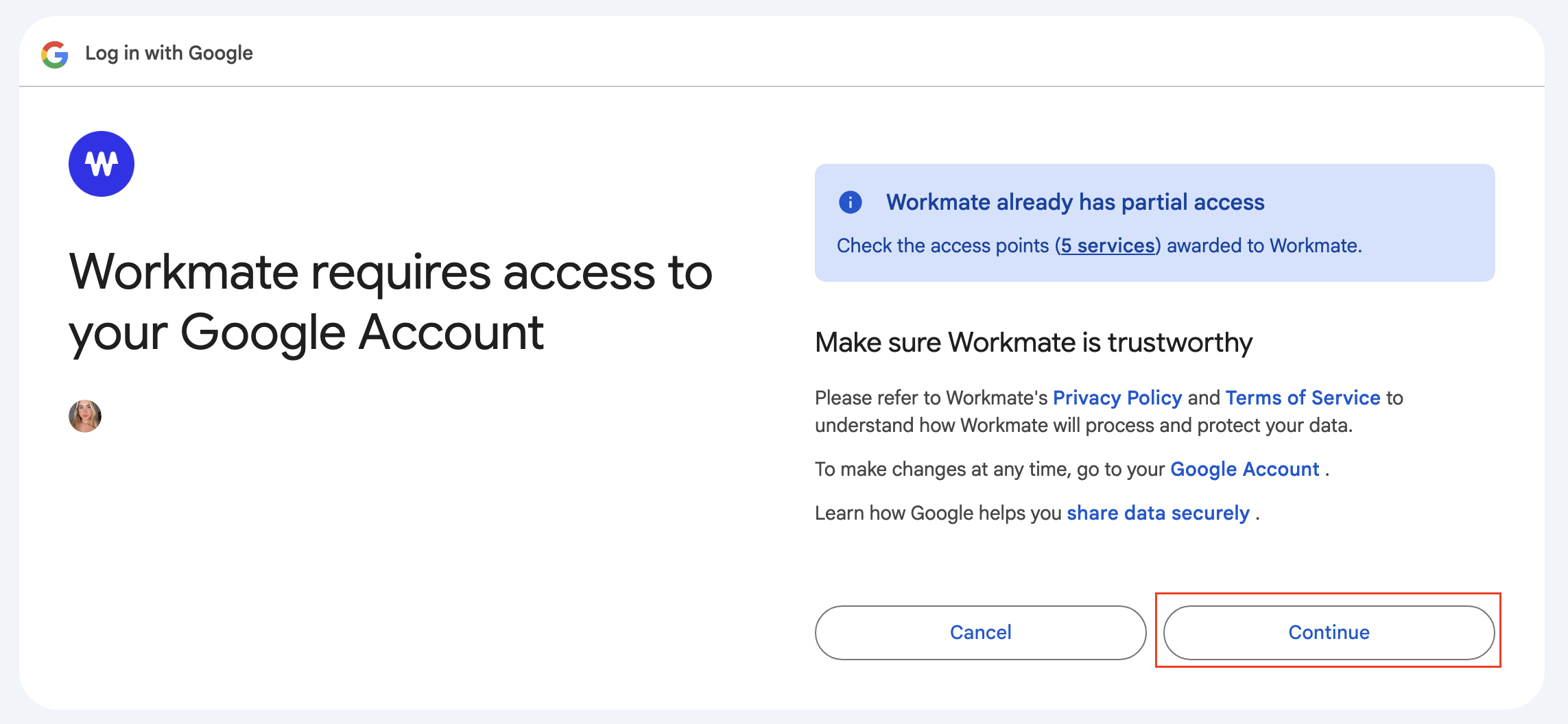
Review the permissions and click “Continue.”
You’re all set
Once connected, Workmate will be able to access your Google Account to help with scheduling.