Zoom
Last updated: April 7, 2026
There are two ways to connect your Zoom account to your Workmate account: with a direct integration or by using your personal meeting ID.
1. Direct Integration
a. On your Workmate Dashboard, click "Connected Apps" at the top of the screen.
b. Then click "Connect" next to the Zoom integration.
c. In the options that appear, click "Connect Zoom."
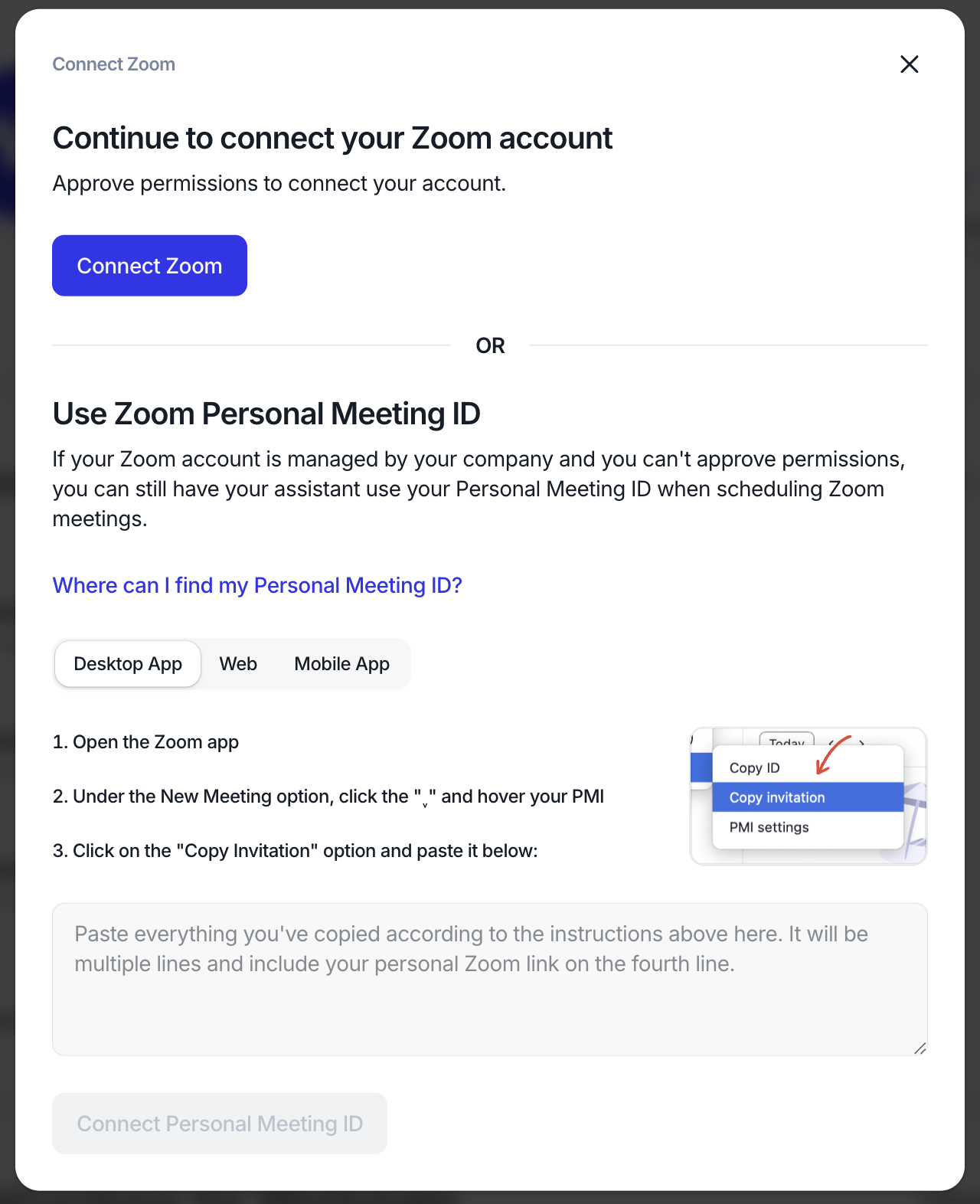
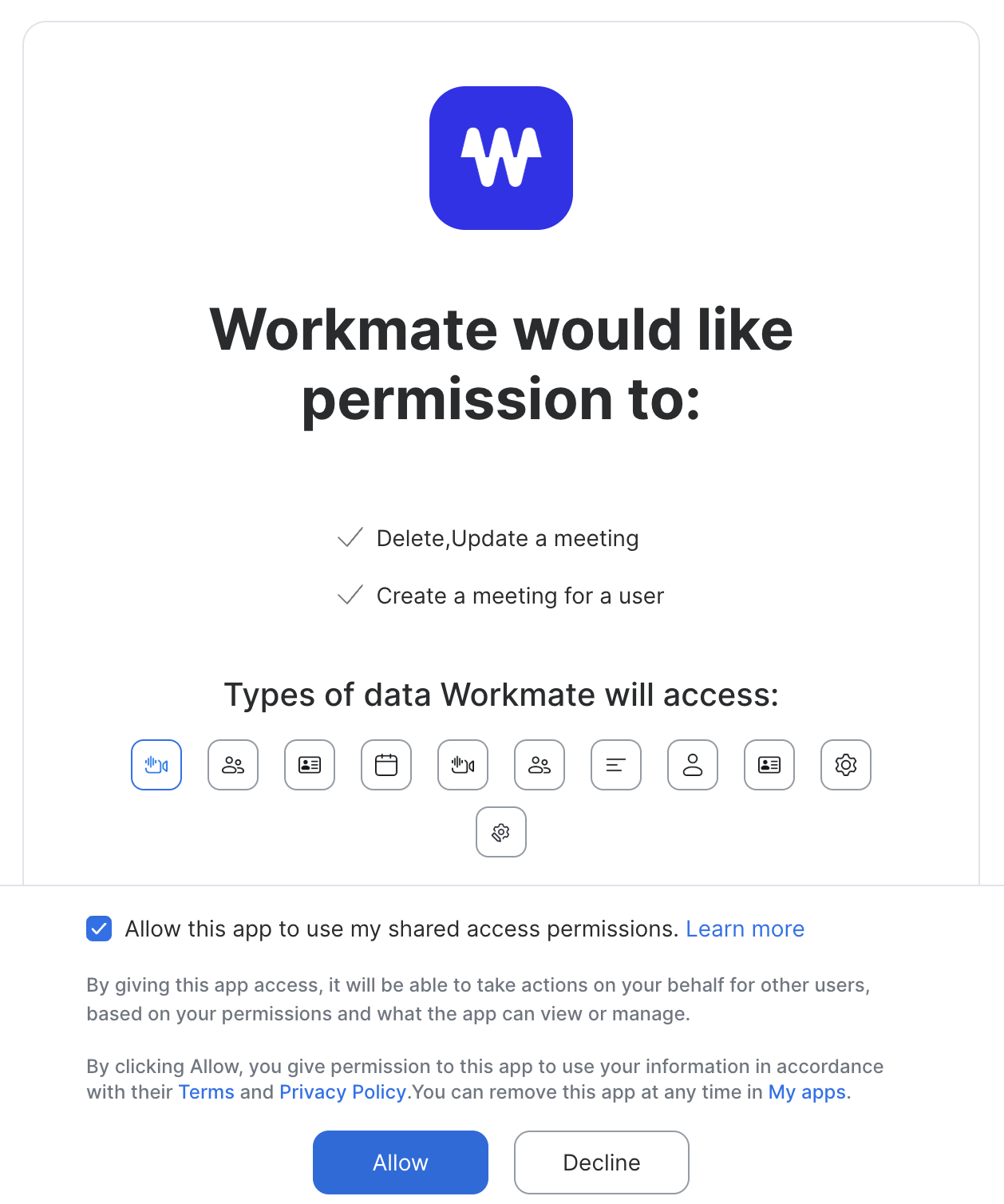
d. Approve the permissions in the Zoom app:
2. Zoom Personal Meeting ID
a. On your Workmate Dashboard, click "Connected Apps" at the top of the screen.
b. Then click "Connect" next to the Zoom integration.
c. Follow the instructions in the second section to find your invitation and personal meeting ID in the Zoom desktop app, web app, or mobile app.
d. Paste the invitation into the text area and click "Connect Personal Meeting ID."