Slack
Last updated: April 7, 2026
You can connect your Slack workspace to Workmate to communicate with your assistant directly from Slack.
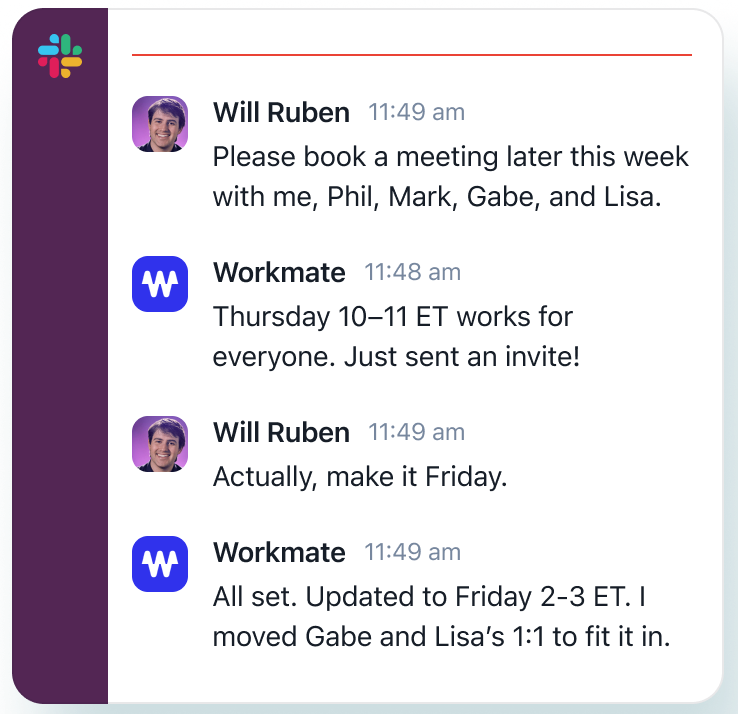
Connect Slack Workspace
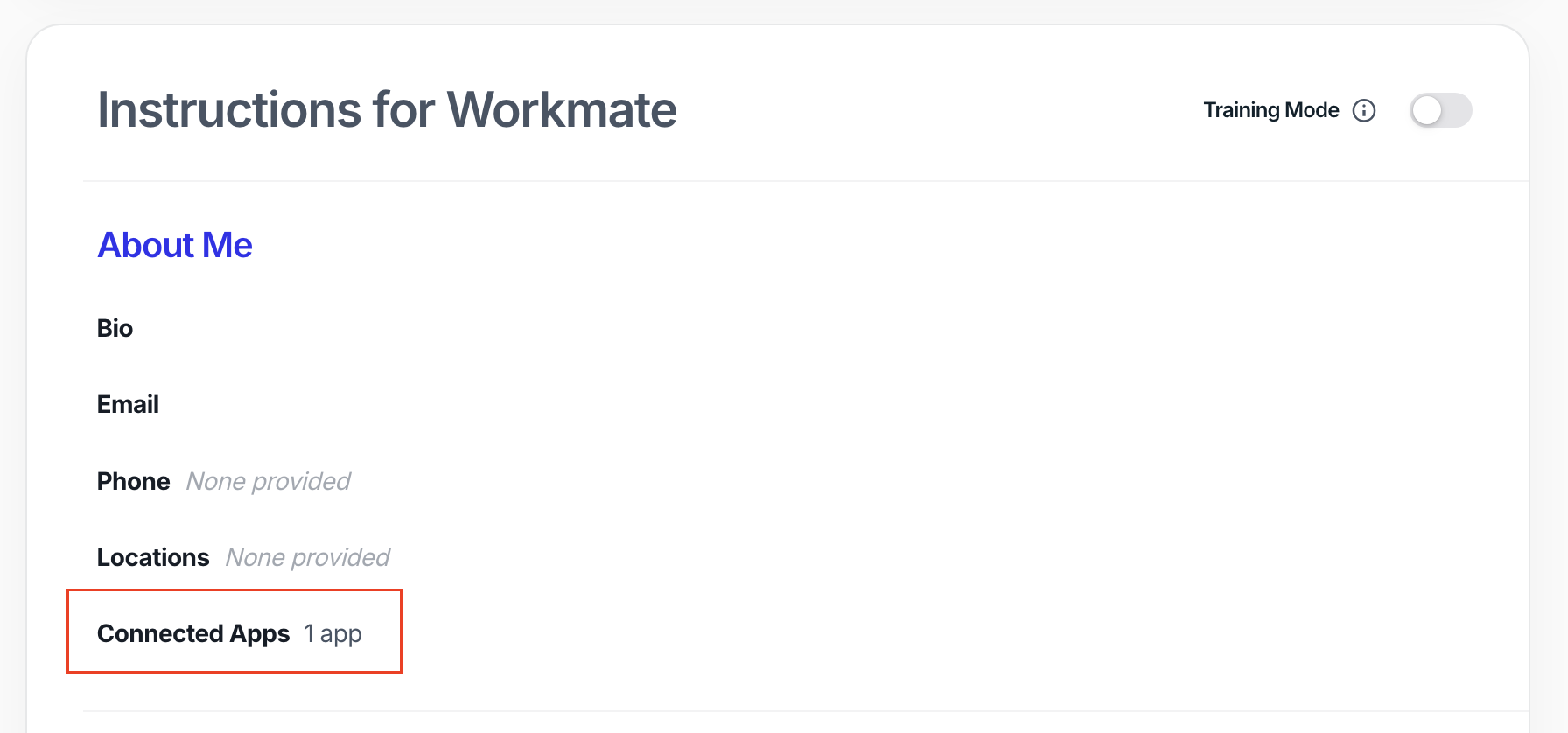
From your main Workmate page, go to “Connected Apps.”
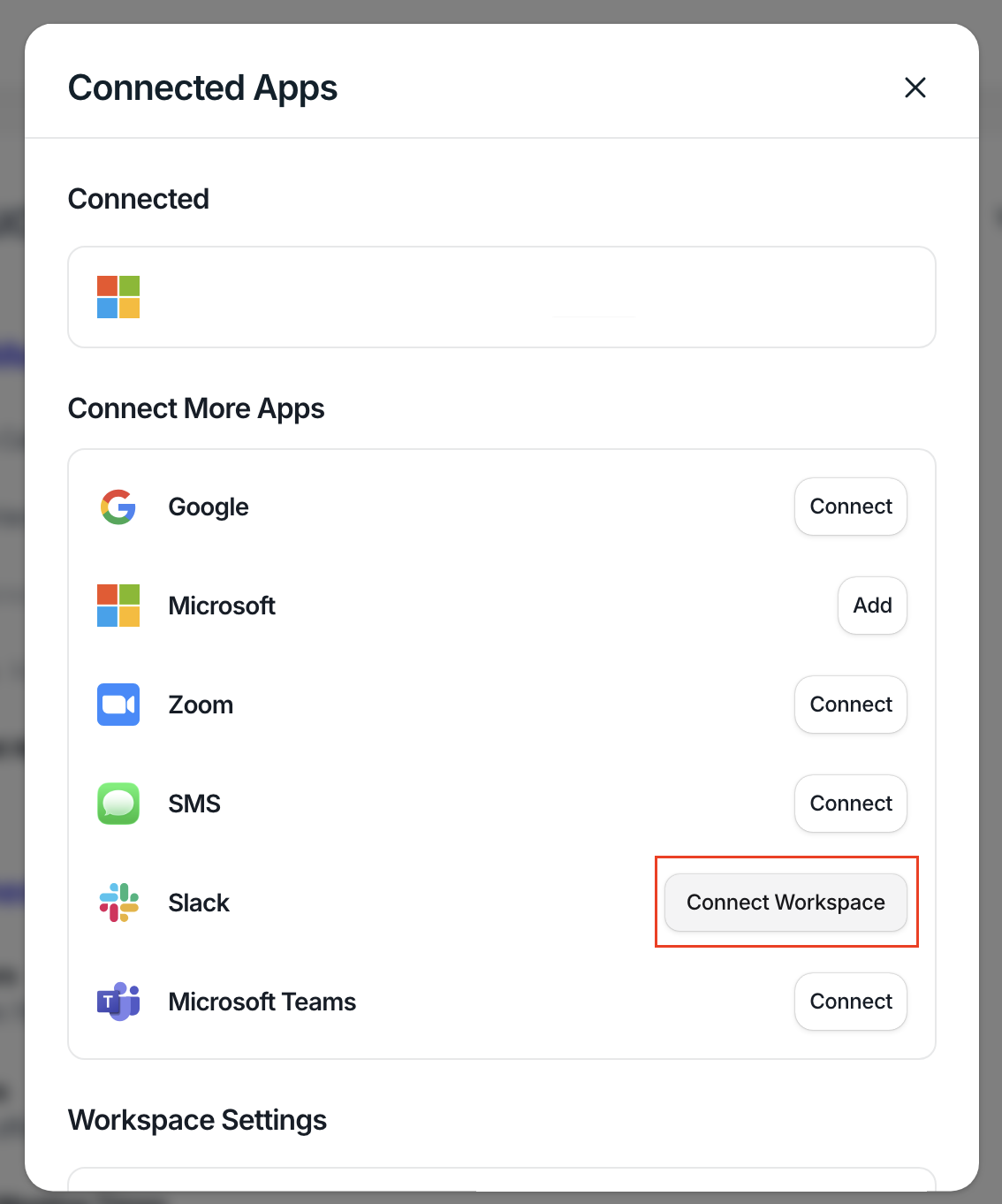
In the Connected Apps modal, find Slack and click “Connect Workspace.”
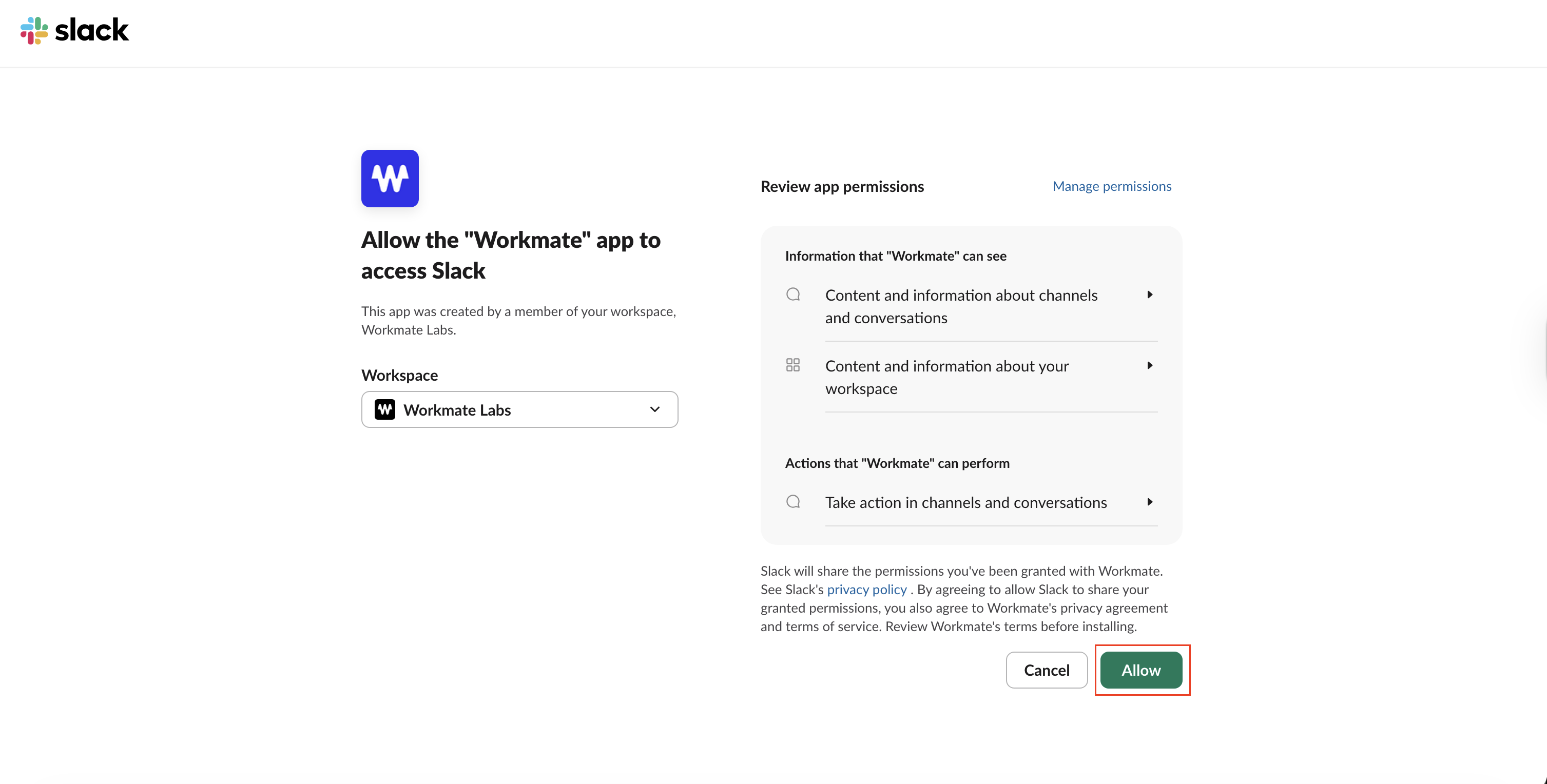
You’ll be redirected to Slack. Select the workspace you want to connect.
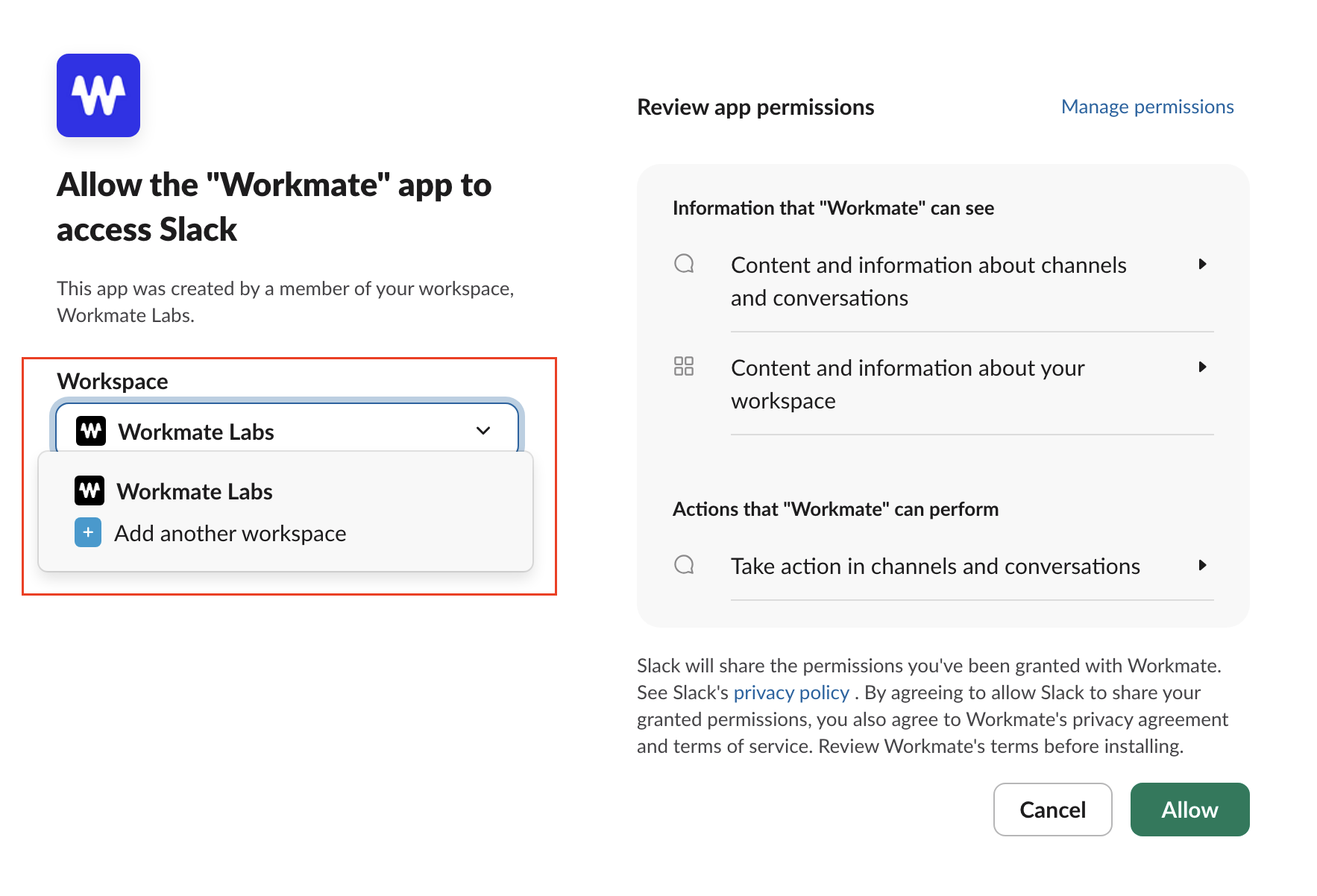
Review the permissions and click “Allow” to complete the connection.
You’re all set
Once connected, you can:
Search for Workmate in your Slack apps
Start chatting with your assistant directly from Slack
