Understanding Workmate's Pricing Plans
Last updated: March 16, 2026
Workmate offers four pricing tiers designed for individuals, small teams, and organizations.
Paid plans include a 14-day free trial, and the Free plan does not require a credit card.
Each tier adds additional capabilities such as more scheduling capacity, team collaboration features, branding options, and enterprise-level support.
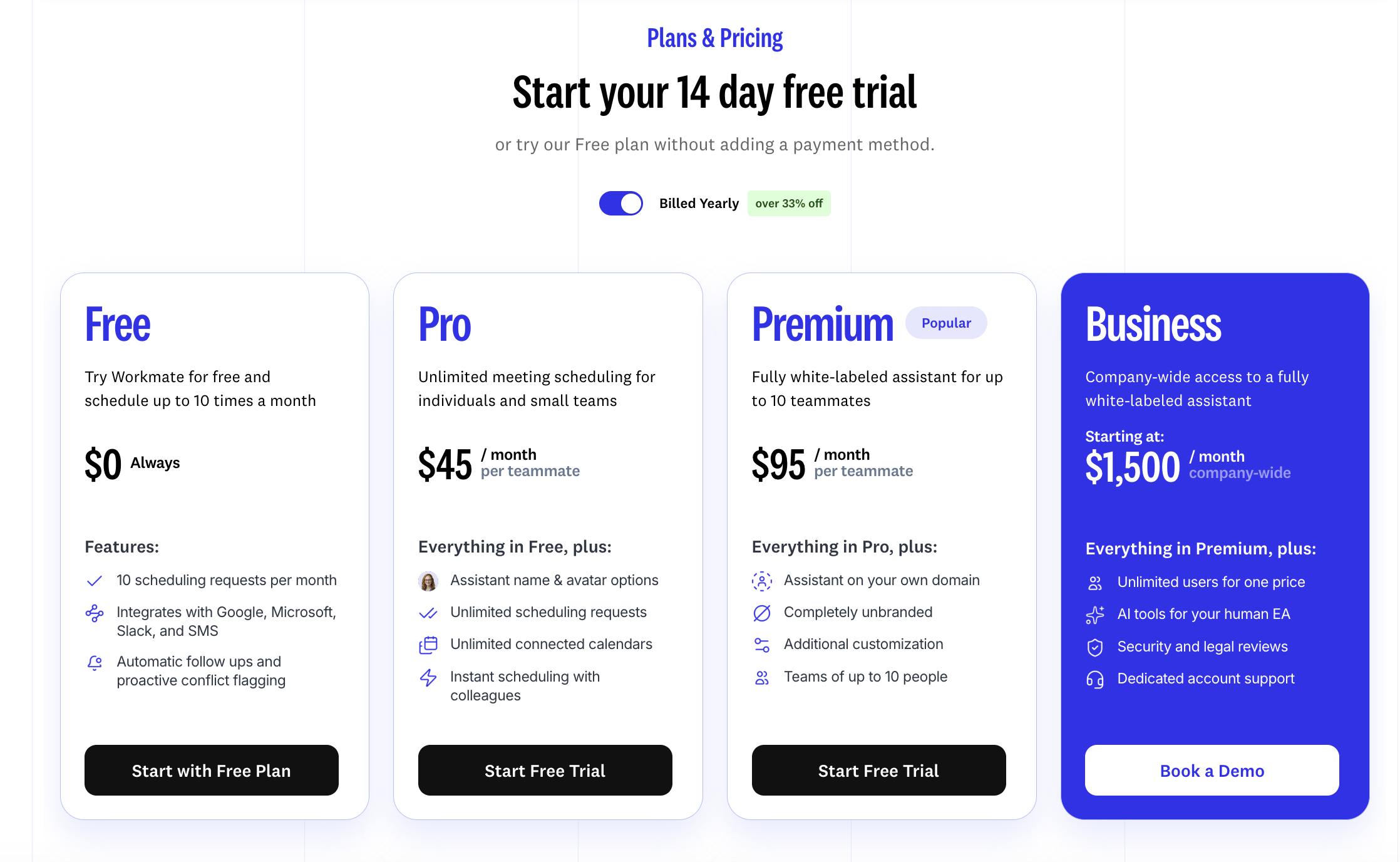
Free Plan
$0 / forever
Designed for individuals who want to try Workmate or use it for light scheduling needs.
Includes:
10 scheduling requests per month
2 connected calendars
1 team member
Google, Microsoft, Slack, and SMS integrations
Automated follow-up emails
Calendar conflict detection
Pro Plan
$45 / month per teammate
Best suited for small teams that want to automate scheduling across multiple calendars.
Includes everything in the Free plan, plus:
Unlimited scheduling requests
Unlimited connected calendars
Up to 5 team members
Custom assistant name and avatar
Instant scheduling with colleagues
Premium Plan
$95 / month per teammate
Designed for growing teams that want a fully branded assistant experience.
Includes everything in Pro, plus:
Up to 10 team members
Custom email domain for your assistant
Full white-labeling (removes Workmate branding)
Scheduling from multiple email addresses
Human Lead Assistant escalation for complex requests
Business Plan
Starting at $1,500 / month (flat rate)
Built for larger organizations that require advanced features, security, and dedicated support.
Includes everything in Premium, plus:
Unlimited users
AI tools designed to support human executive assistants
Dedicated account manager
Security and legal reviews
White-glove onboarding
SSO
Custom SLAs
Choosing the Right Plan
The best plan depends on how you plan to use Workmate:
Free — individuals testing the product
Pro — small teams coordinating internal meetings
Premium — teams that want branded assistants and advanced scheduling capabilities
Business — organizations that require enterprise-level support, security, and scale